Most online stores don’t have a traffic problem. They have a conversion problem.
The average eCommerce conversion rate sits between 2% and 3%, which means for every 100 people who land on your store, 97 to 98 leave without buying anything. If you’re pouring money into ads or SEO but your sales don’t reflect the traffic, the store itself — not your marketing — is usually the leak.
This guide walks through exactly how to build (or rebuild) an online store that turns visitors into paying customers, based on the same principles used by top-performing eCommerce brands: clear intent-matching, trust signals, frictionless checkout, and data-driven optimization.
Key Takeaways
- Platform choice matters less than structure. Shopify, WooCommerce, and BigCommerce can all convert well — the difference is in setup, not the logo.
- Trust signals (reviews, security badges, clear policies) directly affect conversion rates, often more than design aesthetics.
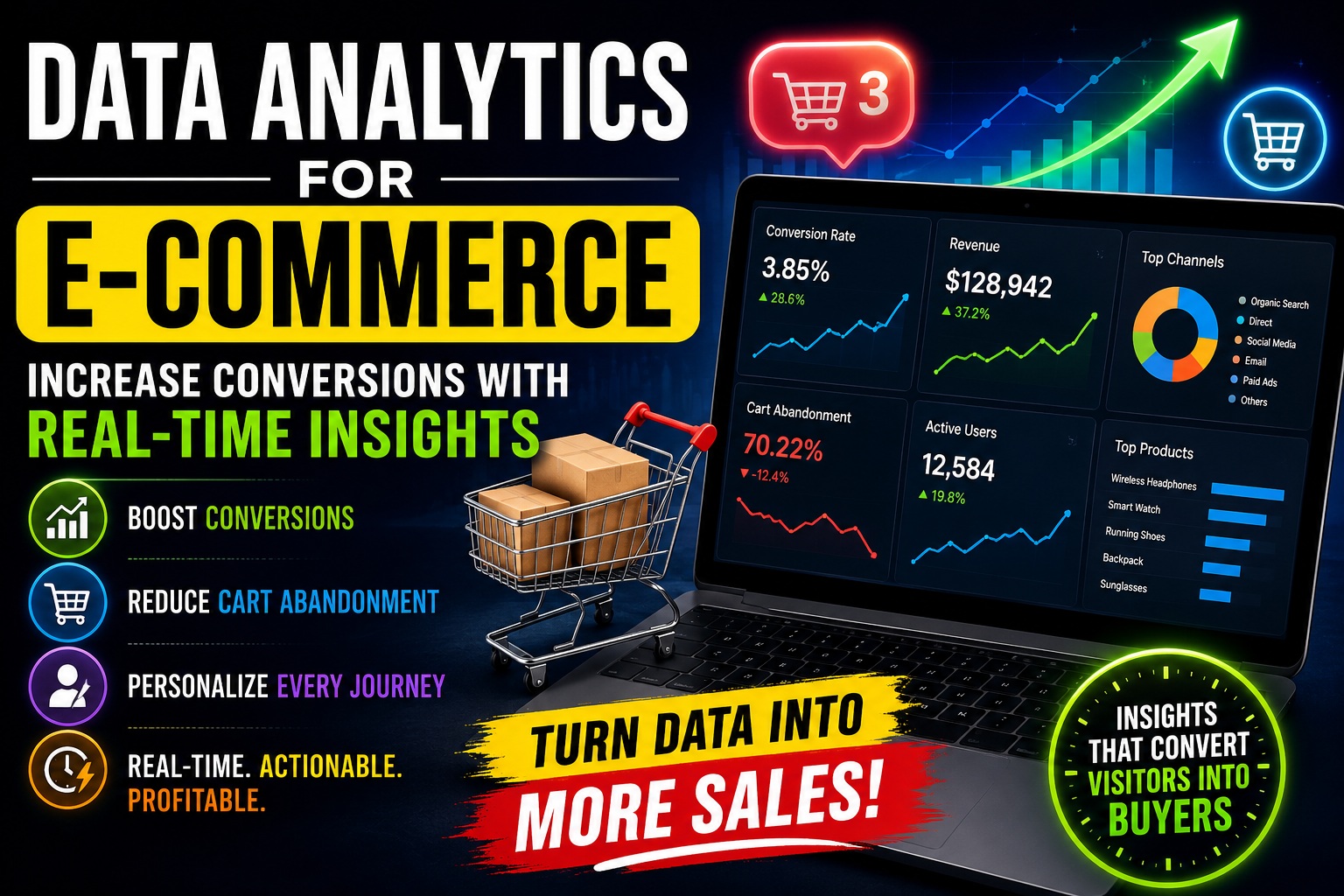
- Checkout abandonment averages around 70% — most of it is fixable with a handful of proven changes.
- Page speed and mobile experience are non-negotiable. A one-second delay in load time can cut conversions by 7% or more.
- Conversion optimization is ongoing. The stores that win treat launch as day one, not day one hundred.
1. Start With Search Intent, Not Just Product Ideas
Before you build a single page, understand why people are searching for what you sell. Search intent generally falls into four categories:
- Informational (“how to choose running shoes”) — top-of-funnel, needs content, not a sales pitch
- Navigational (“Nike official site”) — brand-specific
- Commercial investigation (“best running shoes for flat feet”) — comparison stage, high-value for SEO
- Transactional (“buy Nike Pegasus 41 size 10”) — ready to purchase
Your store needs pages built for each stage. A category page should target commercial-investigation and transactional intent. A blog post should target informational intent and funnel readers toward products. Mismatched intent is one of the most common reasons stores rank but don’t convert — you’re attracting the wrong stage of buyer.
Action step: Map your top 20 target keywords to intent type before deciding what pages you need.
2. Choose a Platform That Supports Conversion, Not Just Setup Speed
The most common platforms are:
| Platform | Best For | Conversion Strengths |
| Shopify | Fast launch, scalability | Strong checkout, app ecosystem, built-in speed optimization |
| WooCommerce | Content + store hybrids (WordPress) | Full SEO control, flexible content marketing |
| BigCommerce | Larger catalogs, B2B | Native features reduce plugin bloat |
There’s no universally “best” platform — the right choice depends on your catalog size, technical comfort, and content strategy. What matters more than the platform is whether you configure it for conversion: fast theme, minimal unnecessary apps/plugins, and a checkout flow with as few steps as possible.
3. Design Product Pages That Sell (Not Just Display)
Your product page is where buying decisions actually happen. High-converting product pages consistently include:
Clear, benefit-driven titles and descriptions
Lead with the outcome, not just specs. “Waterproof jacket keeps you dry in 40mph wind” outperforms “100% nylon shell jacket.”
High-quality visuals
Multiple angles, zoom capability, and — where relevant — video or 360° views. Visual content directly reduces uncertainty, which is the biggest barrier to online purchases.
Social proof near the “Add to Cart” button
Star ratings and review counts placed close to the CTA increase trust at the exact moment of decision. Reviews are one of the strongest conversion levers available; products with reviews consistently outconvert those without.
Scarcity and urgency — used honestly
“Only 3 left in stock” or “Order within 4 hours for next-day delivery” can lift conversions, but fabricated urgency damages trust and, in some jurisdictions, violates consumer protection law. Only use real inventory or shipping data.
A single, obvious call-to-action
One primary CTA per page. Competing buttons (“Add to Cart,” “Buy Now,” “Save for Later,” “Compare”) dilute decision-making and reduce conversions.
4. Build Trust Before Asking for the Sale (EEAT for eCommerce)
Google’s EEAT framework (Experience, Expertise, Authoritativeness, Trustworthiness) isn’t just a ranking concept — it maps directly onto what makes shoppers convert. A visitor who doesn’t trust your store won’t buy, no matter how well you rank.
Practical trust signals to include:
- An “About Us” page with real people, a real location, and a real story — not stock photos
- Visible contact information (email, phone, and physical address if applicable)
- Security badges and SSL at checkout
- Clear shipping, return, and refund policies linked from every product page
- Third-party review integration (Trustpilot, Google Reviews) rather than only on-site testimonials
- Author bios and expertise signals on any buying-guide or informational content, especially in regulated categories like health, finance, or supplements — this is where Google scrutinizes EEAT most heavily
Stores in “Your Money or Your Life” (YMYL)-adjacent categories (supplements, financial products, medical devices) face the highest scrutiny. If you sell in these spaces, expert review, credentialed authorship, and transparent sourcing aren’t optional extras — they materially affect both rankings and buyer confidence.
5. Fix the Checkout — Where Most Revenue Is Lost
Cart abandonment averages roughly 70% across industries. The good news: most causes are fixable.
Top causes of checkout abandonment
- Unexpected extra costs (shipping, taxes, fees) shown too late
- Forced account creation
- Checkout process that’s too long or confusing
- Limited payment options
- Site errors or crashes during checkout
- Lack of trust in the site with personal/payment information
Fixes that consistently improve checkout conversion
- Show total cost (including shipping) early — ideally on the product or cart page, not just at final checkout
- Offer guest checkout as the default option
- Reduce checkout to as few steps as possible — one-page checkout outperforms multi-page in most tests
- Support multiple payment methods: cards, PayPal, Apple Pay/Google Pay, and buy-now-pay-later where relevant to your audience
- Add a progress indicator if checkout must span multiple steps, so users know how much is left
- Send abandoned cart emails — these alone recover a meaningful share of otherwise-lost sales, typically within the first hour and a follow-up at 24 hours
6. Optimize for Page Speed and Mobile (Non-Negotiable in 2026)
Mobile now accounts for the majority of eCommerce traffic in most verticals, and Google’s indexing and ranking are mobile-first. Speed and mobile usability affect both rankings and direct conversion:
- Compress and lazy-load images
- Use a lightweight theme and limit third-party scripts/apps
- Test with Google PageSpeed Insights and prioritize Core Web Vitals (LCP, INP, CLS)
- Ensure buttons, forms, and checkout fields are easily tappable on small screens
- Avoid intrusive interstitials (popups) that block content on mobile, which Google penalizes and users abandon
A slow or clunky mobile experience is one of the fastest ways to lose a sale you already paid for in ad spend or SEO effort.
7. Structure Your Site for Both SEO and AI Overviews
Google’s AI Overviews increasingly pull from content that answers questions directly and clearly. To be eligible for both classic rankings and AI Overview visibility:
- Answer the core question in the first 1-2 sentences of any section, then elaborate
- Use structured headers (H2/H3) that mirror how people phrase questions
- Add FAQ sections with concise, direct answers — these are frequently pulled into AI Overviews and “People Also Ask”
- Use schema markup: Product schema (price, availability, reviews), Organization schema, BreadcrumbList, and FAQPage schema where applicable
- Keep information factually verifiable — pricing, specs, and policies should match what’s on the actual page, since inconsistency undermines both AI Overview eligibility and user trust
FAQ
How long does it take to build an eCommerce store that converts?
A functional store can launch in 1-4 weeks depending on catalog size, but conversion optimization is ongoing — expect the first meaningful conversion-rate gains within 60-90 days of real traffic and testing.
What’s a good eCommerce conversion rate?
Most industries average 2-3%. Above 3.5% is considered strong; top-performing niche stores can reach 5%+ with strong trust signals and optimized checkout.
Do I need a blog for my eCommerce store to rank well?
Not strictly, but content targeting informational and commercial-investigation keywords significantly expands organic reach and builds authority that supports product-page rankings.
8. Use Data to Keep Improving After Launch
Launching the store is the beginning of the optimization process, not the end. Set up:
- Google Analytics 4 with eCommerce tracking enabled for full funnel visibility
- Heatmaps and session recordings (Hotjar, Microsoft Clarity) to see where users hesitate or drop off
- A/B testing on high-traffic pages — even small changes to headlines, CTA buttons, or image order can move conversion rates measurably
- Regular funnel audits: traffic → product view → add to cart → checkout start → purchase, checking the drop-off rate at each stage
The stores that consistently convert well aren’t the ones that got everything right on day one — they’re the ones that keep testing and refining based on real user behavior.
Quick-Reference Conversion Checklist
- [ ] Pages mapped to search intent (informational, commercial, transactional)
- [ ] Product pages have multiple images/video, benefit-driven copy, and reviews near the CTA
- [ ] Trust signals present: About page, contact info, security badges, clear policies
- [ ] Guest checkout enabled, shipping costs shown early
- [ ] One-page or minimal-step checkout with multiple payment options
- [ ] Abandoned cart email sequence active
- [ ] Site passes Core Web Vitals on mobile
- [ ] FAQ section with schema markup on key pages
- [ ] Analytics, heatmaps, and A/B testing set up post-launch
Final Thoughts
Building a store that converts isn’t about one big redesign — it’s about removing friction and building trust at every step between “visitor” and “buyer.” Get the fundamentals right — intent-matched pages, a fast and trustworthy site, a frictionless checkout — and then let real user data guide continuous improvement.