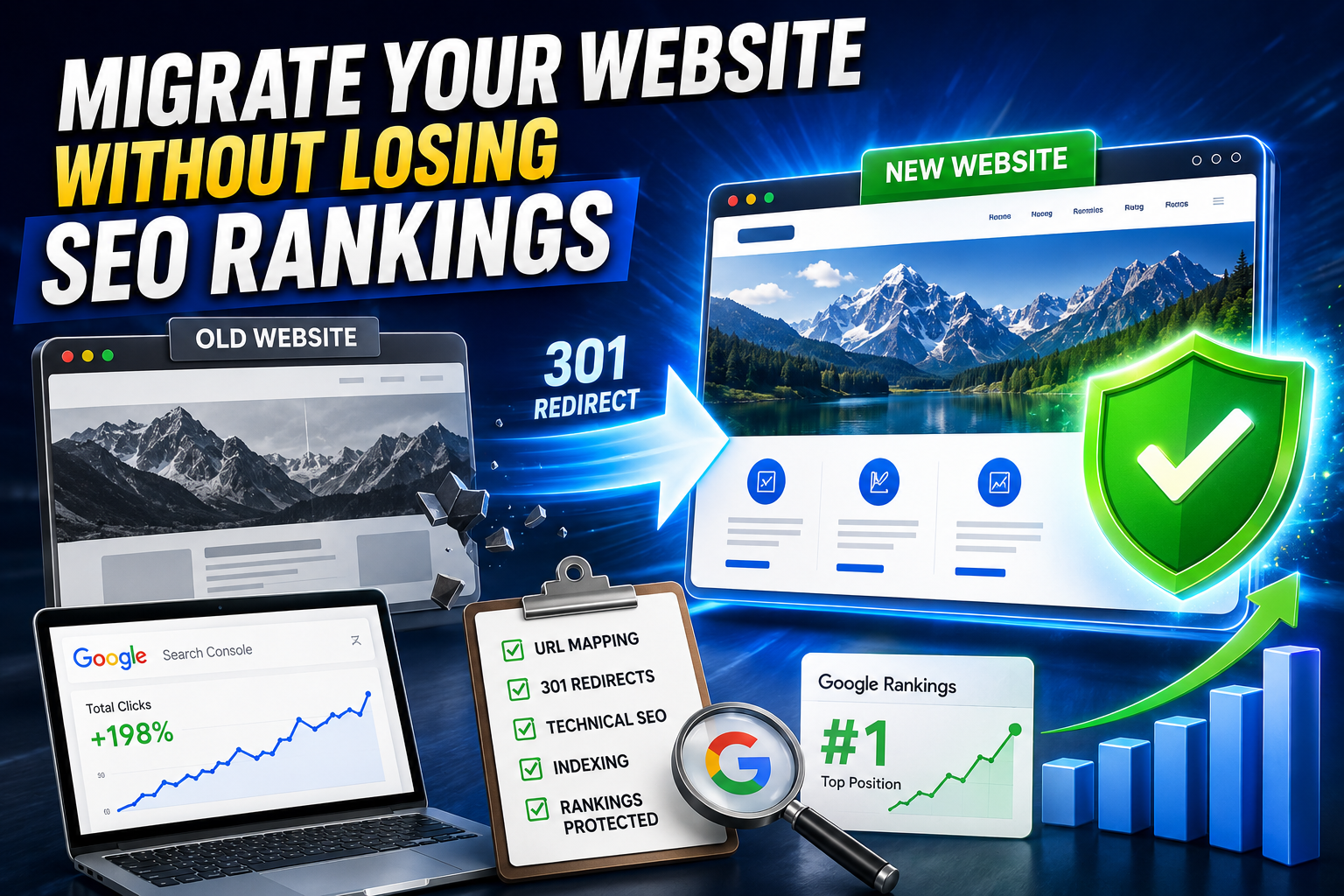
Website migration is where good SEO goes to die — not because Google is punishing you, but because most teams skip the one thing that actually protects rankings: a mapped, tested, verified transition from old URLs to new ones. Get that right, and migration becomes a non-event. Get it wrong, and you can lose 40-60% of your organic traffic overnight.
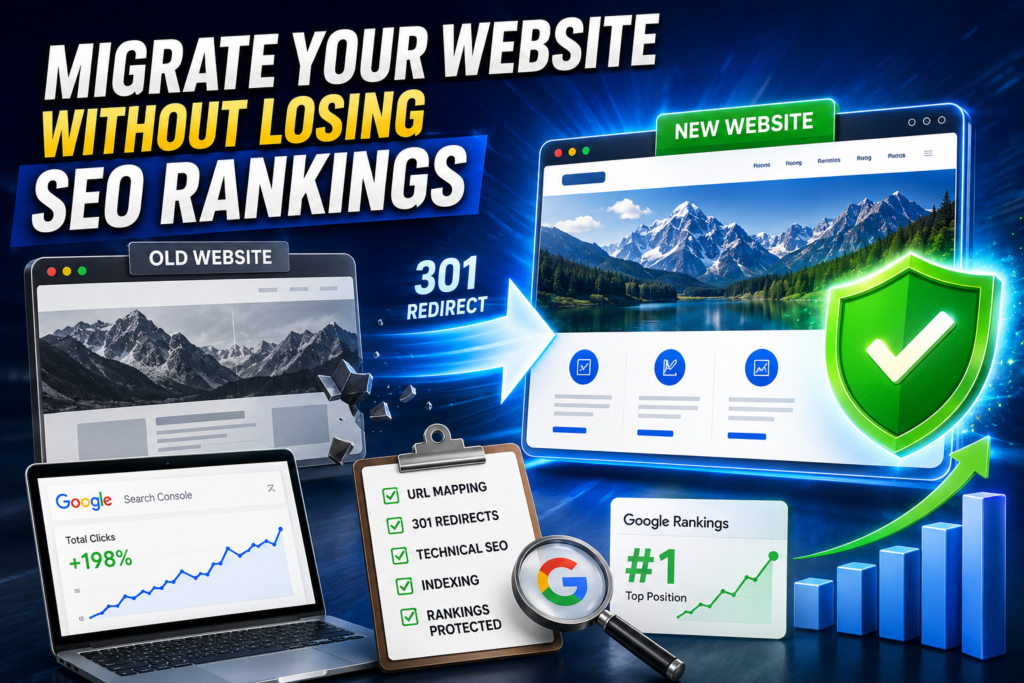
Here’s the complete, no-guesswork process.
Quick Answer
To migrate a website without losing SEO rankings: audit and crawl your existing site before touching anything, map every old URL to its exact new-URL equivalent, build 301 redirects for the entire map, migrate on a staging environment first, keep robots.txt blocking staging (not production), submit an updated XML sitemap the moment you go live, update internal links and canonical tags to new URLs, and monitor Google Search Console daily for 4-6 weeks post-launch to catch crawl errors, redirect chains, or indexing drops early.
Miss any one of these steps, and you’re migrating on hope instead of a plan.
What Counts as a “Website Migration”?
Not every website change is a migration in Google’s eyes — but these are, and each carries its own risk profile:
| Migration Type | SEO Risk Level | Common Cause |
| Domain change (old.com → new.com) | Very High | Rebranding, acquisition |
| HTTP to HTTPS | Low-Medium | Security upgrade |
| Subdomain to subfolder (blog.site.com → site.com/blog) | Medium-High | Site consolidation |
| CMS platform change (WordPress → HubSpot, Shopify, etc.) | High | Redesign, better tooling |
| URL structure change (permalinks, slugs) | High | SEO cleanup, redesign |
| Site redesign (same URLs, new design/content) | Low-Medium | Branding refresh |
The riskier the migration type, the more rigorously you need to follow the process below.
The Pre-Migration Checklist (Do This Before You Touch Anything)
1. Crawl and Benchmark Your Current Site
Run a full crawl of your existing site (Screaming Frog, Sitebulb, or similar) and export:
- Every indexed URL
- Current organic rankings and traffic (from Search Console + Analytics)
- Backlink profile (from Ahrefs, Semrush, or similar)
- Page titles, meta descriptions, and H1s
- Current site speed and Core Web Vitals scores
This becomes your before snapshot — you’ll need it to prove migration success (or catch failure) afterward.
2. Build a Complete URL Redirect Map
This is the single most important step in the entire process. For every existing URL, define exactly where it will live on the new site.
Redirect map format:
| Old URL | New URL | Redirect Type |
| /services/web-design | /web-design-services | 301 |
| /blog/seo-tips-2023 | /blog/seo-tips-2026 | 301 |
| /old-landing-page | /new-landing-page | 301 |
Rules that protect rankings:
- Use 301 (permanent) redirects, never 302 — 302s tell Google the move is temporary and rankings won’t transfer properly.
- Map to the closest content match, not just the homepage. Mass-redirecting everything to your homepage (“redirect chaining to nowhere”) is one of the fastest ways to lose rankings.
- Avoid redirect chains (A → B → C). Redirect A directly to C.
- Don’t forget non-HTML assets: PDFs, images, and old sitemap URLs that may still hold rankings or backlinks.
3. Preserve On-Page SEO Elements
When content moves to a new page or platform, carry over:
- Title tags and meta descriptions (don’t let a CMS migration auto-generate new ones)
- Header tag structure (H1, H2, H3 hierarchy)
- Alt text on images
- Schema markup (FAQ, Article, Product, Review schema, etc.)
- Internal linking structure
Migrating: Step-by-Step Execution
- Build the new site on a staging environment — never migrate live-to-live.
- Block staging from being indexed using a noindex meta tag or password protection (not robots.txt disallow alone, which can still let URLs get indexed without content).
- Test the entire redirect map on staging before going live — click through every redirect, don’t just spot-check.
- Verify canonical tags point to the new URLs, not leftover staging or old-site URLs.
- Go live during low-traffic hours to minimize impact if something breaks.
- Update the XML sitemap immediately and resubmit it in Google Search Console.
- Update internal links across the site to point directly to new URLs — don’t rely on redirects to do this work for you (redirect chains slow crawling and dilute link equity).
- Update external references you control: Google Business Profile, social media bios, email signatures, paid ad landing pages.
- Set up 404 monitoring to catch any URLs your redirect map missed.
Post-Migration: The 4-6 Week Monitoring Window
Rankings don’t transfer instantly — Google needs to recrawl and reprocess your entire site. During this window:
- Check Google Search Console daily for the first 2 weeks: watch the Coverage report for crawl errors, and the Performance report for sudden ranking or click drops.
- Compare against your pre-migration benchmark weekly — not just overall traffic, but keyword-by-keyword and page-by-page.
- Fix 404s and broken redirects immediately as they appear; don’t batch them for later.
- Check for duplicate content issues — a common migration bug where both old and new URLs remain crawlable simultaneously.
- Monitor Core Web Vitals — a slower new site can quietly erode rankings even if redirects are perfect.
A temporary 10-20% dip in visibility during the first 1-2 weeks is normal and expected as Google reprocesses the site. A sustained drop beyond 3-4 weeks signals a redirect, crawlability, or content-parity problem that needs immediate investigation.
Common Mistakes That Kill Rankings During Migration
- Redirecting everything to the homepage instead of matching content 1:1
- Using 302 redirects instead of 301s
- Forgetting to update the sitemap and resubmitting it in Search Console
- Leaving the staging site indexable, creating duplicate content that competes with the live site
- Losing backlink-worthy pages by deleting or merging content without redirecting the URL
- Changing content significantly during migration — migrate first, optimize content separately, so you can isolate the cause if rankings shift
- Not updating internal links, leaving the site reliant on redirect chains
- Skipping HTTPS/SSL setup on the new domain, which triggers browser security warnings and trust loss
Website Migration Checklist (Quick Reference)
Before migration:
- [ ] Full site crawl and ranking/traffic benchmark
- [ ] Complete URL redirect map (old → new)
- [ ] Backup of current site and database
- [ ] On-page SEO elements documented (titles, meta, schema)
During migration:
- [ ] New site built and tested on staging
- [ ] All 301 redirects tested and working
- [ ] Canonical tags updated
- [ ] Internal links updated to new URLs
After migration:
- [ ] XML sitemap updated and resubmitted
- [ ] Search Console change-of-address (for domain migrations)
- [ ] Daily monitoring for crawl errors, 4-6 weeks
- [ ] Weekly comparison against pre-migration benchmark
- [ ] Backlinks audited for any pointing to broken URLs
Frequently Asked Questions
How long does it take for SEO rankings to recover after migration?
Most sites see rankings stabilize within 2-4 weeks if the migration was executed correctly with proper 301 redirects. Larger or more complex sites (10,000+ pages) can take 8-12 weeks for Google to fully recrawl and reprocess.
Do 301 redirects pass 100% of SEO value to the new URL?
No redirect passes 100% of link equity — Google has confirmed 301s pass the vast majority of ranking signals, but some value naturally dilutes in any redirect. This is why direct 1:1 URL mapping (rather than chains or generic redirects to a homepage) matters so much.
Should I migrate SEO and redesign content at the same time?
No — migrate the existing site structure and content first, confirm rankings hold, then make content changes separately. Combining both makes it nearly impossible to diagnose the cause if traffic drops.
Do I need to notify Google before migrating my website?
For domain changes, yes — use the Change of Address tool in Google Search Console. For redesigns or CMS migrations on the same domain, an updated XML sitemap submission is typically sufficient.
What’s the biggest single cause of lost rankings during migration?
Missing or incorrect 301 redirects — either URLs that were never mapped at all, or content redirected to a loosely related page (or homepage) instead of its true equivalent.
Planning a website migration? HT Business Group handles SEO-safe migrations end-to-end — from redirect mapping to post-launch ranking recovery. Get a free migration audit before you move a single page.